The Bible
Everything begins here: open, living pages ready to be entered. God’s Word is not closed; it waits for you.
Scripture · Prayer · Growth
ORHAR brings the Bible, the liturgy, prayer, spiritual reading and meaningful progress together in one calm, multilingual companion.
 אוֹר הַר
The name behind the journey
The open Bible, the golden path and the mountain in the ORHAR emblem tell one story: the Word illuminates each step of the ascent. That meaning remains at the heart of the app as it grows.
ORHAR
Every element carries meaning — a sacred geography in a single glance.
Everything begins here: open, living pages ready to be entered. God’s Word is not closed; it waits for you.
A golden marker rests inside the open Bible. It says you will return; the Word is a place we come back to every day.
A golden road rises from the pages toward the summit. Each verse is a step, each chapter an ascent.
Sinai received the Law, Zion bears the promise, Tabor shone with glory. ORHAR places you on that mountain whenever you open the Word.
At the summit, a golden halo crowns the mountain — not as a reward, but as a gift: light shining over every page.
אוֹר הַר
Five biblical anchors that illuminate the meaning of ORHAR
ORHAR 1.3
Open ORHAR for a verse, stay for a reading, a prayer, a plan or a moment of quiet. Each space supports a different step of the same journey.
A full Bible library designed for focused, offline reading.
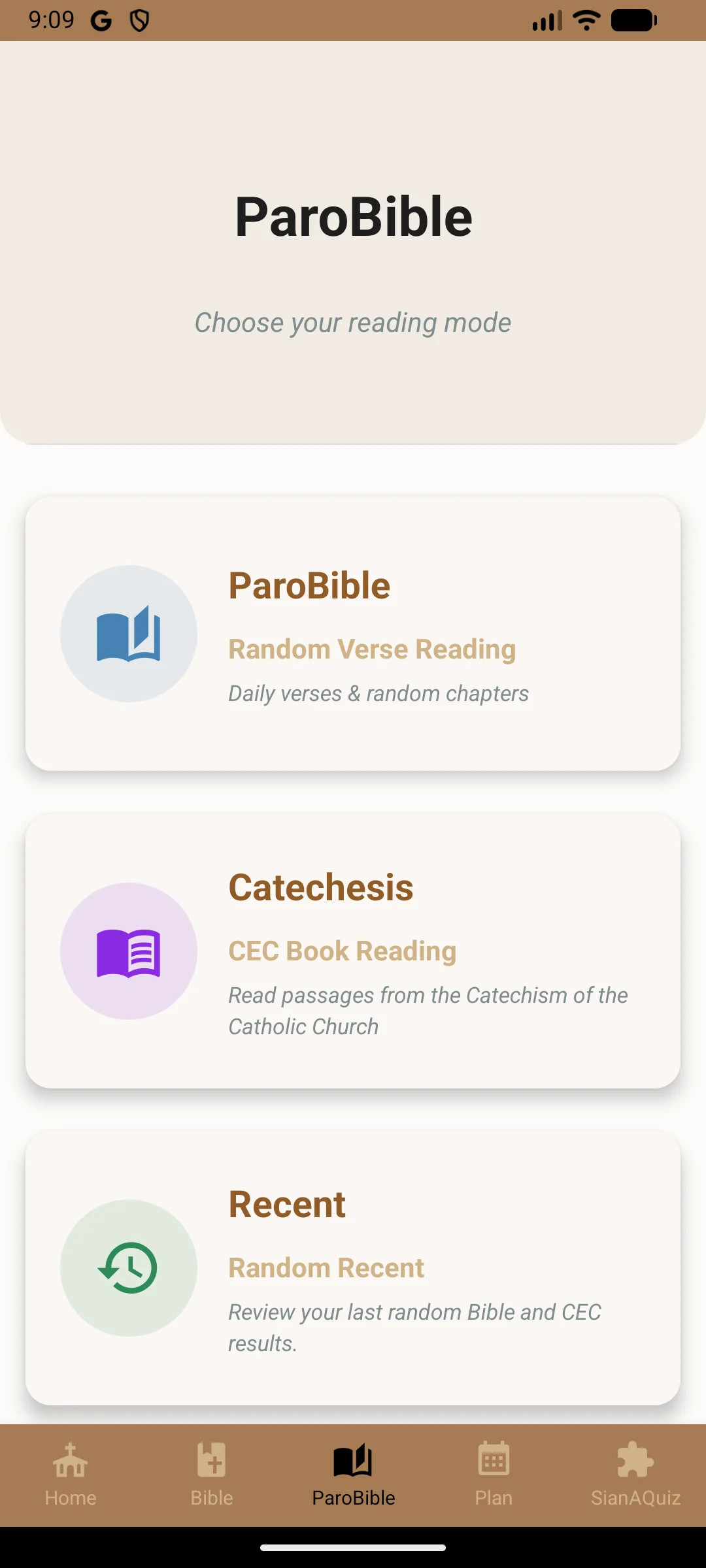
Let Scripture meet the moment through ParoBible and the Catechism.
Create a rhythm that fits your life and see your progress.
Turn discovery into lasting knowledge with SianAQuiz.
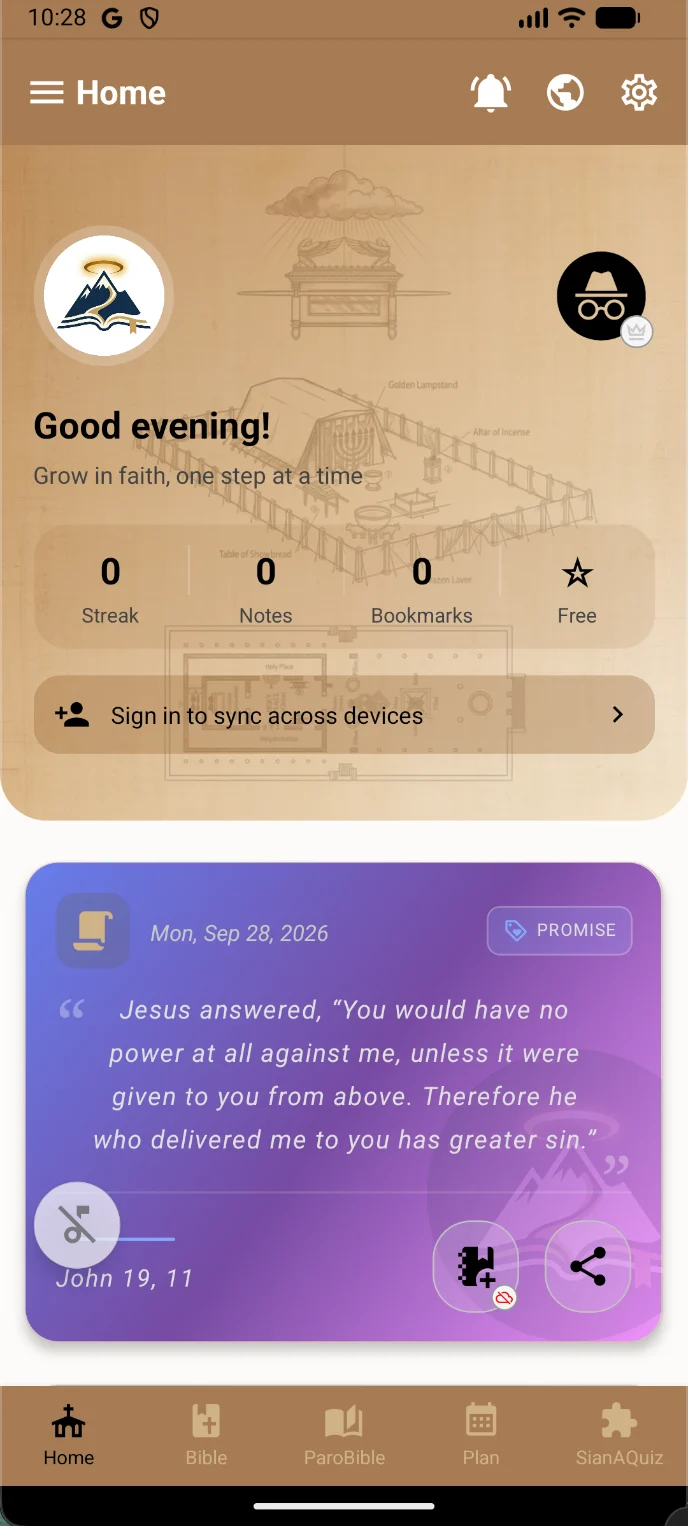
Your daily verse, spiritual quotation and liturgical path sit together on a living home screen. Notes, bookmarks and progress remain close at hand.
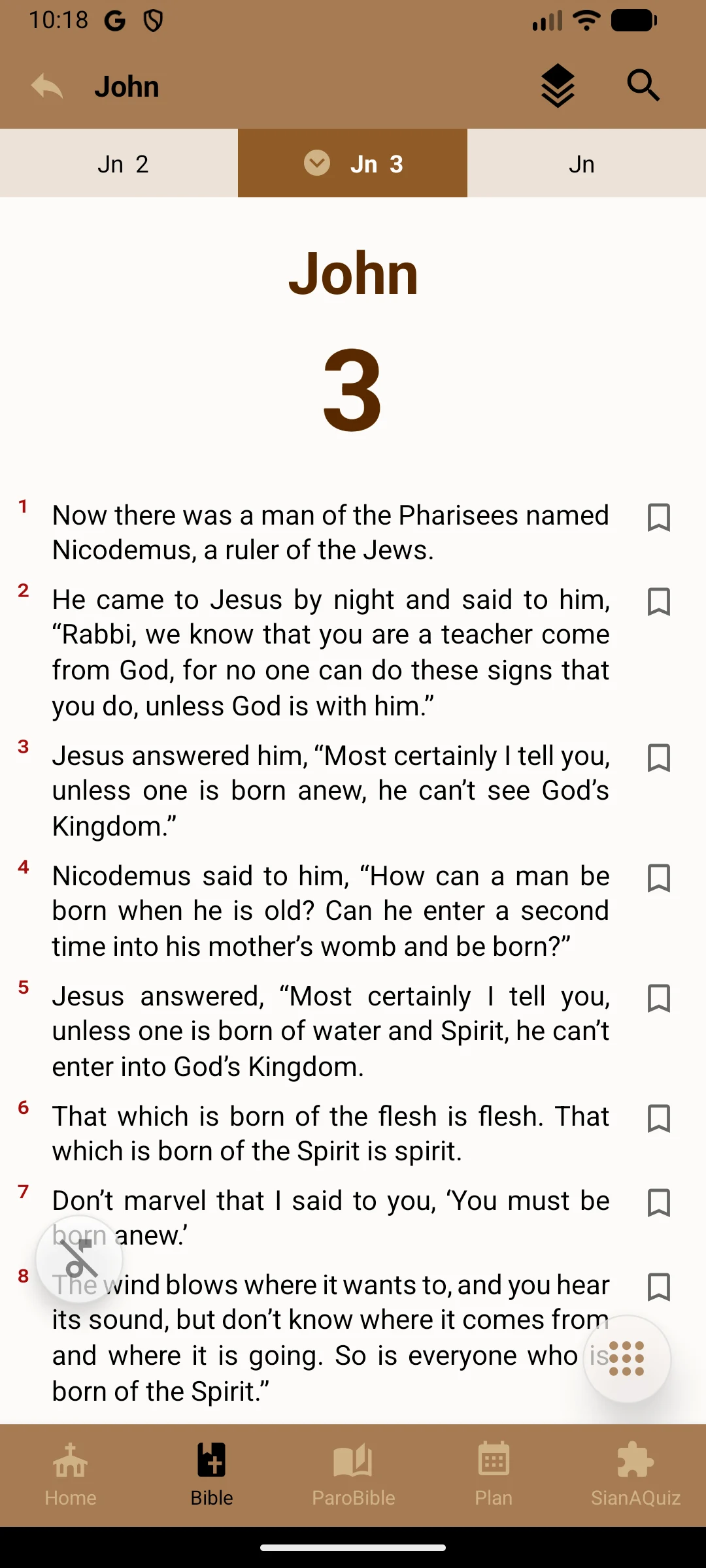
Move between Testaments, Psalms and downloadable versions. Adjust typography, listen aloud and keep meaningful passages with you.
ORHAR connects structured plans, spiritual books, prayers, soundscapes and an evolving Bible quiz in one coherent experience.
Built for a life of faith
Verse, quotation and liturgical readings for the day.
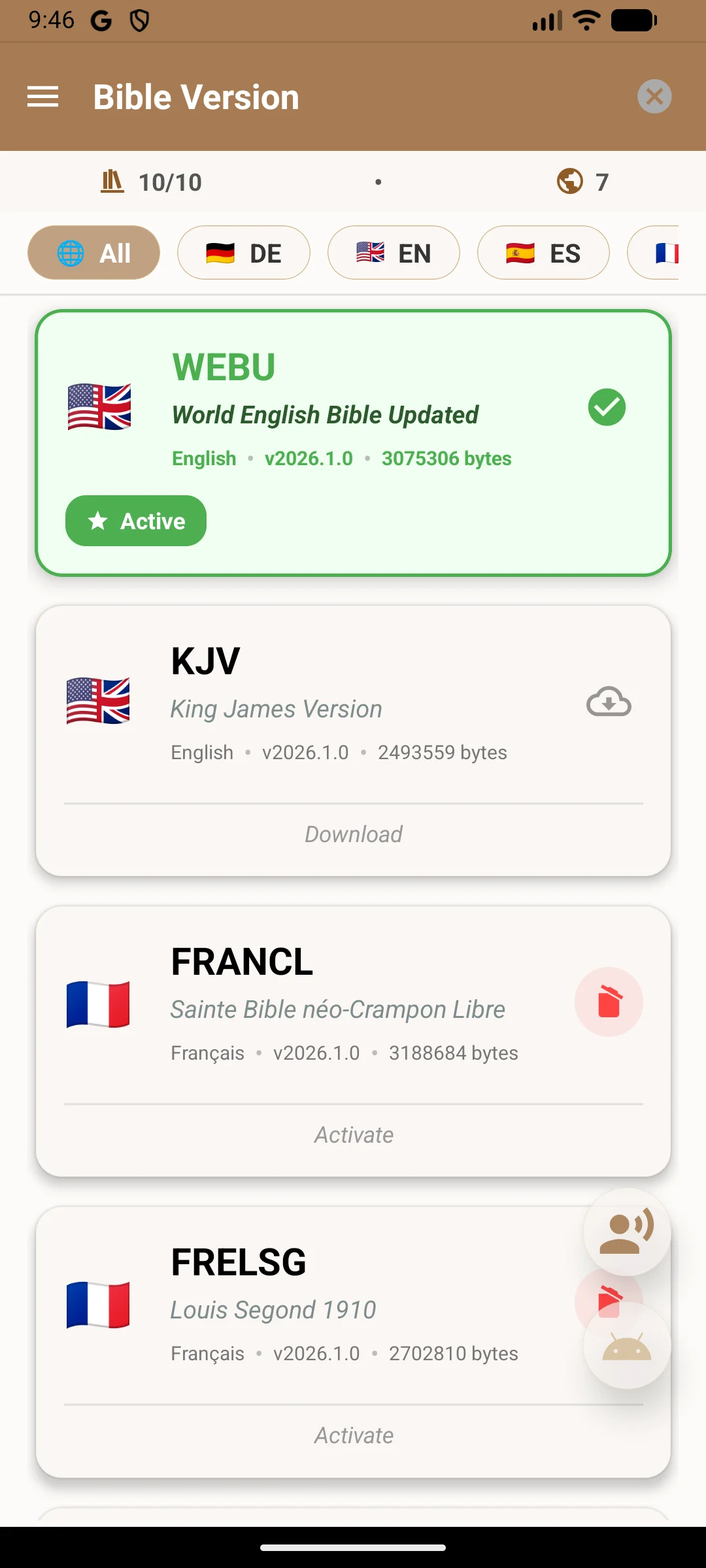
Choose the translation and edition that suit your reading.
Focused reading, search and offline access.
A daily liturgical path with readings and prayer.
Explore Scripture, Catechism and recent passages.
Build or download a plan and follow it at your pace.
Levels, streaks, rankings and custom quizzes.
Listen with the voices available on your device.
Premium narration and contemplative soundscapes.
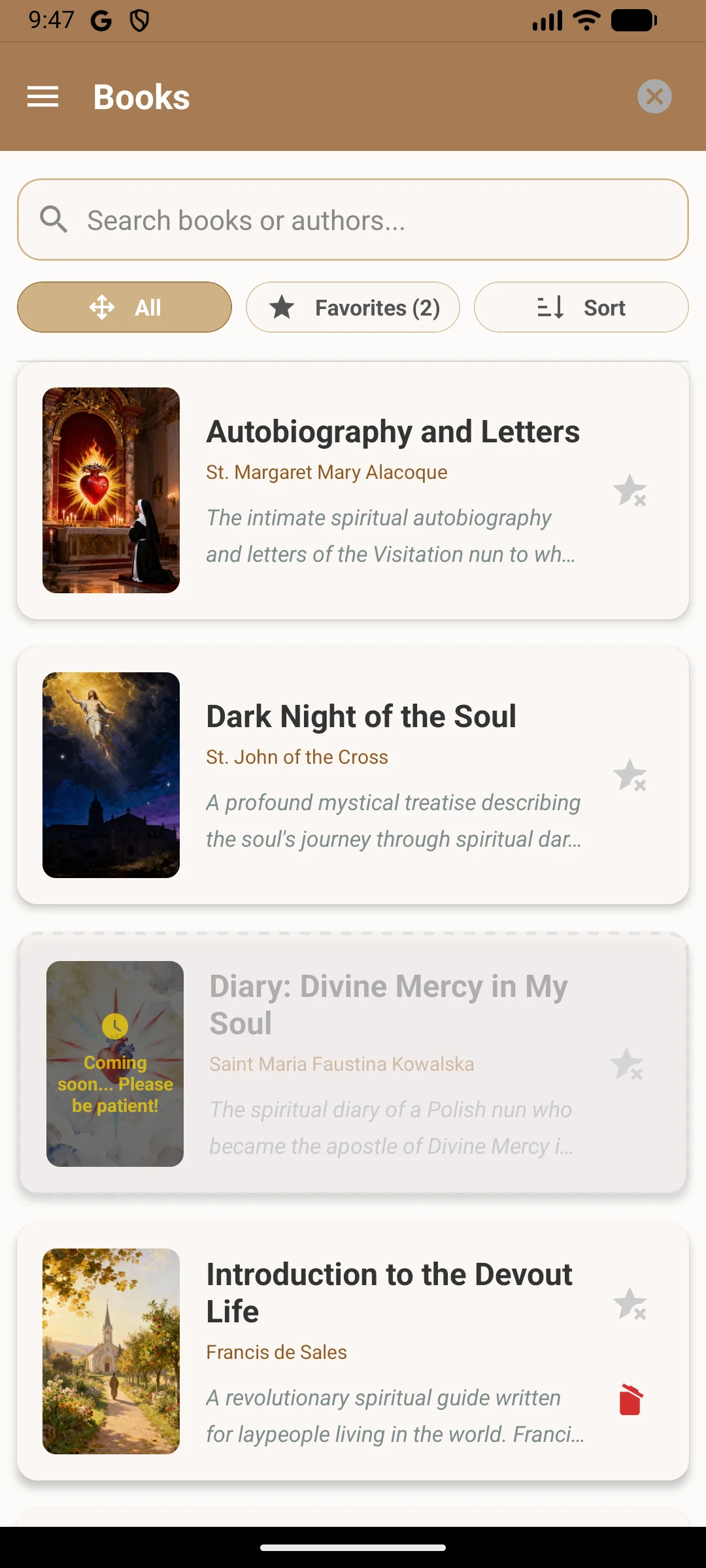
Read a curated library of spiritual works.
Guided meditation and exercises for quiet reflection.
Return to prayers for different moments and needs.
Guest mode, profiles, premium and family options.
Personalisation
Choose light or dark mode, tune text for comfort and select from nine color worlds drawn directly from ORHAR.
“Your word is a lamp to my feet, and a light for my path.”
Frequently Asked Questions
Yes. Scripture reading, personal notes, bookmarks, and downloaded reading plans are 100% functional offline without requiring an active internet connection.
ORHAR offers standard and historic translations across languages (including King James Version, World English Bible, Louis Segond, Reina-Valera, Luther Bibel, etc.), alongside interlinear resources and spiritual devotional books.
“My Path” is a structured daily spiritual journey: it brings together today’s liturgical readings, a contemplative reflection, and dedicated prayers for every moment of your day.
ORHAR pairs fluent, reverent voice narration for Scripture chapters with original contemplative soundscapes (gentle rain, serene sanctuary, acoustic piano) designed to foster prayer.
Absolutely. All notes, highlights, and prayers are encrypted and securely synchronized to your account. We never read, analyze, or sell your personal spiritual data. Your privacy is sacred.
If you change devices or reinstall the app, simply go to Settings → Restore Purchases inside the ORHAR app. Ensure you are logged into the same Apple ID or Google account used for the original purchase.
Yes, you have complete control over your data. You can export your notes at any time via Settings → Data → Export, or permanently delete your account and all associated data via Settings → Account → Delete Account.

📱 Scan to subscribe
This update is grounded in the current application: its five main spaces, daily content, spiritual library, voice experience and account options.